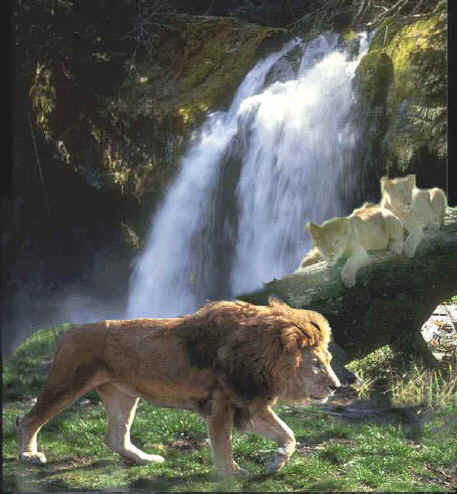
This is just one example of what you can do in Photoshop.
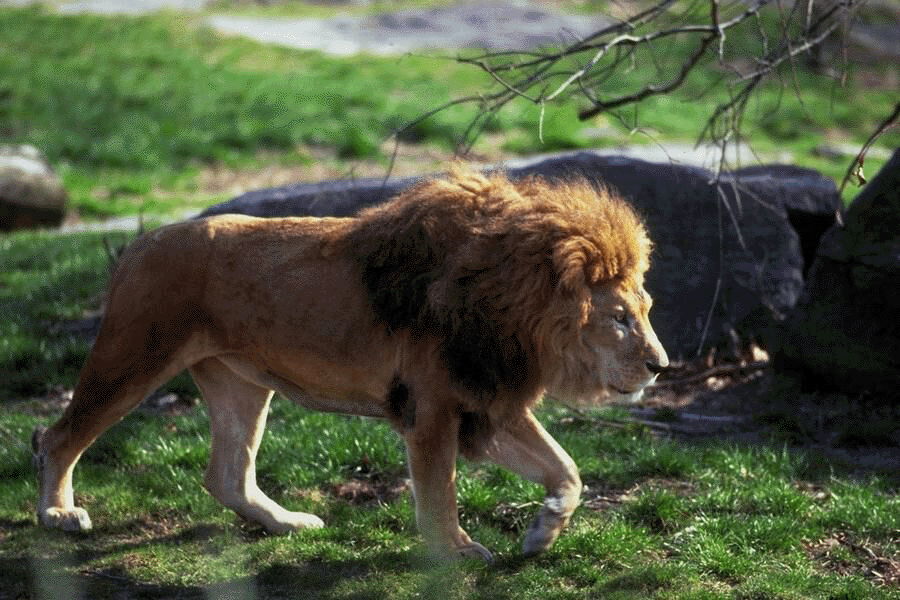
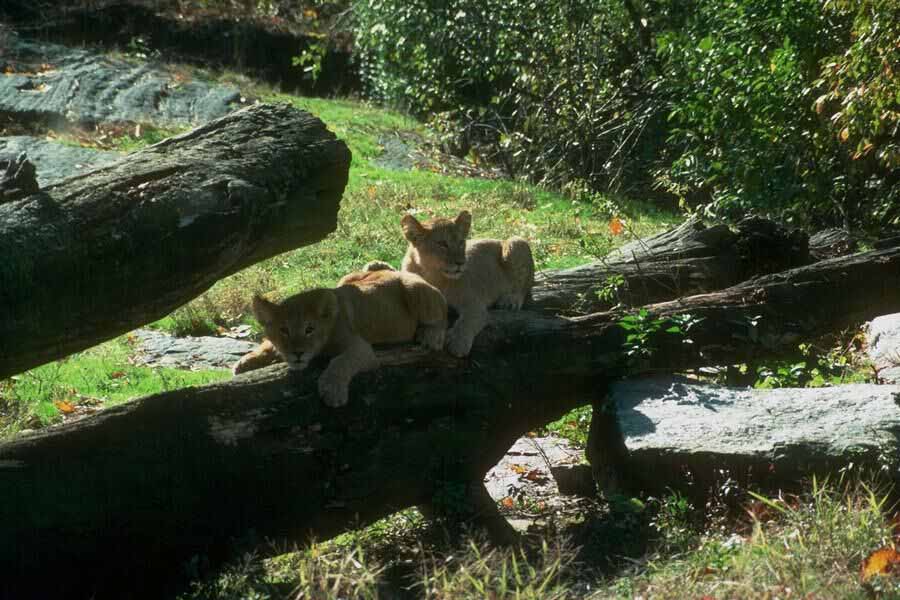
This is a composite of three photos that came on a CD from Print Artist 4.0 by Sierra
Home Products. I worked on them in the original size (about 1.5MB each) and then reduced
the result. Click on the thumbnails below to see reduced versions of the original photos.
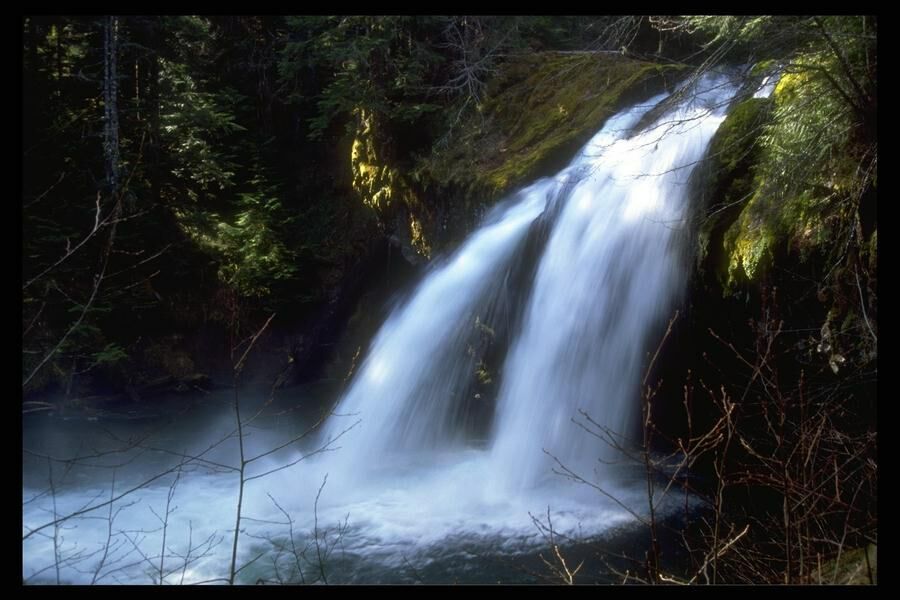
Waterfall
Lion
Cubs
What I Did:
Sized each separate image so the animals didn't look out of proportion..
Layered the images together.
Used masks, and selected parts of layers by using the eraser and brush tool.
Used the eyedropper to select colors to try to paint over the seams.
Used the rubber stamp to fill in holes in the grass, and smooth out the lion's mane.
Used the "Dodge" tool to lighten the cubs so that were lighter.
Used the "Blur" tool around the edges of joined images..
Used the smudge tool in large areas (like the waterfall).
Selected Indexed Color Mode with a web palette and then saved at low resolution.
I was not able to reduce the image to a smaller size and keep the quality on the
composite image; however, I have gotten better with practice and when I do it over the
image should be smaller.